

0
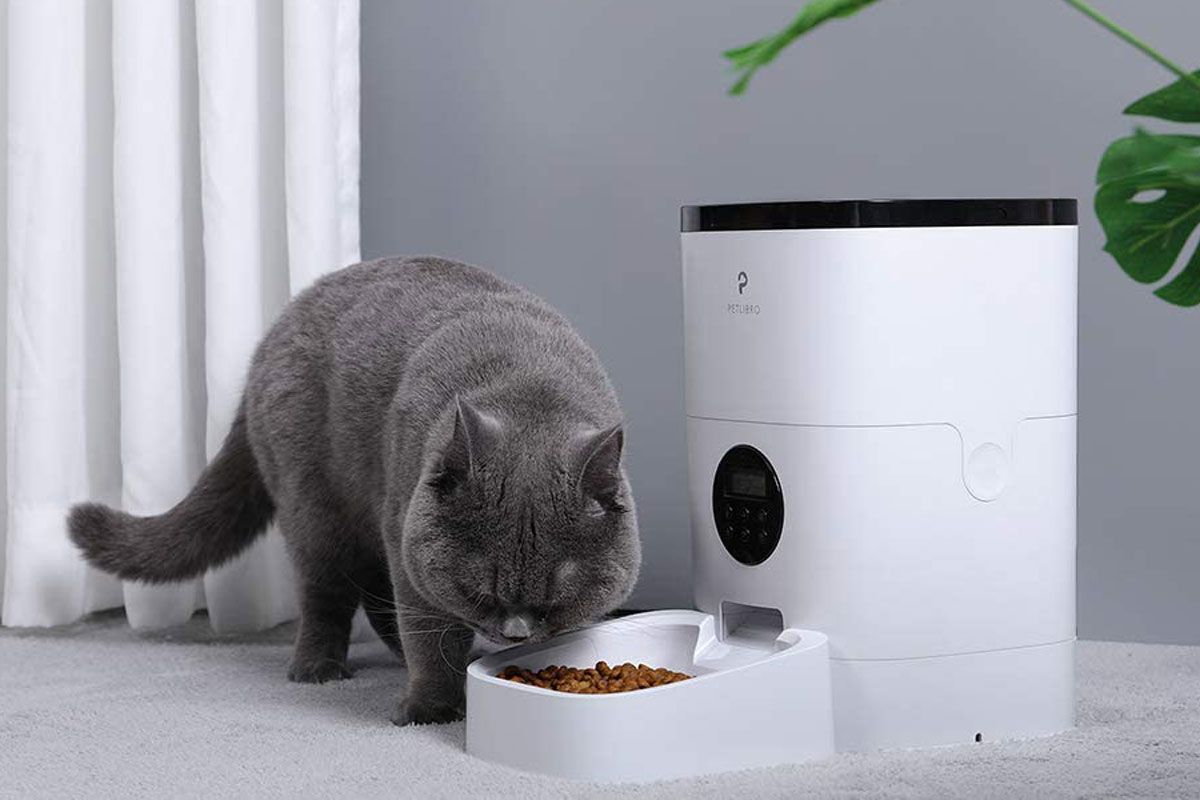
Run a feeder rehearsal while you are home
An automatic feeder should be tested with the actual food, portions and cat who will use it before you rely on its schedule.
- Measure what is dispensed over several meals rather than trusting the setting alone.
- Test the power-loss procedure and any backup battery according to the manual.
- Check whether another cat can take the food, and whether the bowl is easy to clean.
Write down who will check the cat if the device fails. A camera, app notification or full hopper does not confirm that a particular cat has eaten, and does not replace human care.
Updated 9 October 2026 · Cat Tree UK editorial team
An automatic feeder can help deliver routine meals, but it does not replace someone checking your cat. Choose a device for the food and feeding arrangement you actually use, then test it at home before depending on it.
Different designs do different jobs
- Timed compartments: expose a prepared meal at a set time. Check capacity and food-storage requirements.
- Hopper dispensers: release portions of compatible food. Check the allowed food size and how portions are measured.
- Microchip or tag-access bowls: restrict access to a recognised animal. They are not necessarily timed dispensers.
- Gravity feeders: replenish available food and should not be mistaken for measured portion control.
Some products combine features. Read the specific model's instructions rather than assuming every “smart” feeder does the same thing.
Check the food first
Use only food types supported by the device. Wet food requires an appropriate storage and cooling arrangement; a lid alone does not keep it suitable indefinitely. Follow both the food and feeder instructions, taking room temperature and cleaning into account.
For portion dispensers, weigh several actual dispenses of your chosen food. A numbered setting may not equal a fixed number of grams across different kibble. Discuss the overall feeding plan with your vet when managing a medical condition.
Test a normal week at home
- Introduce the device gradually without withholding familiar food access to force acceptance.
- Watch the cat approach, eat and leave comfortably.
- Check several scheduled meals, not just the manual release button.
- Test the documented backup-power behaviour.
- Confirm cleaning access and any app or connection requirements.
In multi-cat homes, watch whether another cat can steal food or block the approach. A chip reader does not by itself resolve tension around feeding.
Make a failure plan
Food can jam, batteries can run down and schedules can be entered incorrectly. Someone should check that meals have actually been eaten and that the cat is well. Keep instructions and spare supplies where the carer can find them.
For holidays or overnight absences, arrange appropriate in-person care. Our time-alone guide explains why a feeder and camera are not substitutes for visits.
Questions before buying
Confirm cleaning requirements, replacement bowls, ongoing subscription costs if any, warranty and what happens without internet. Choose functions you will maintain reliably. A simpler device that fits the routine may be more useful than features that nobody in the household understands.